To log in, an active account is required. If you don’t yet have an account, please read our article ”
How to create an account? ”
The procedure for logging in is almost identical to creating your account.
- Click on the login/registration button in the top right corner or on one of the links that appear when access requires authentication.

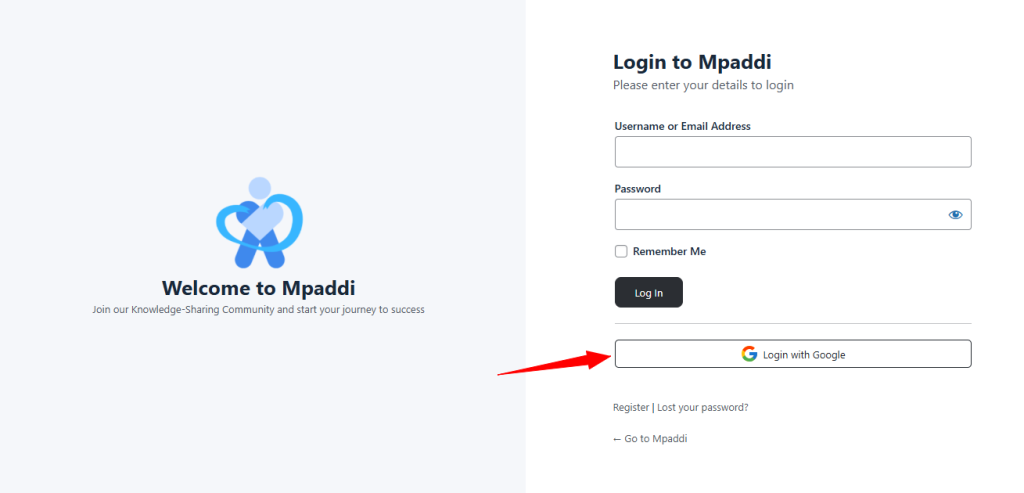
Sign in with Google #
Click the “Login with Google”, choose your preferred email and you are registered.
Login form #
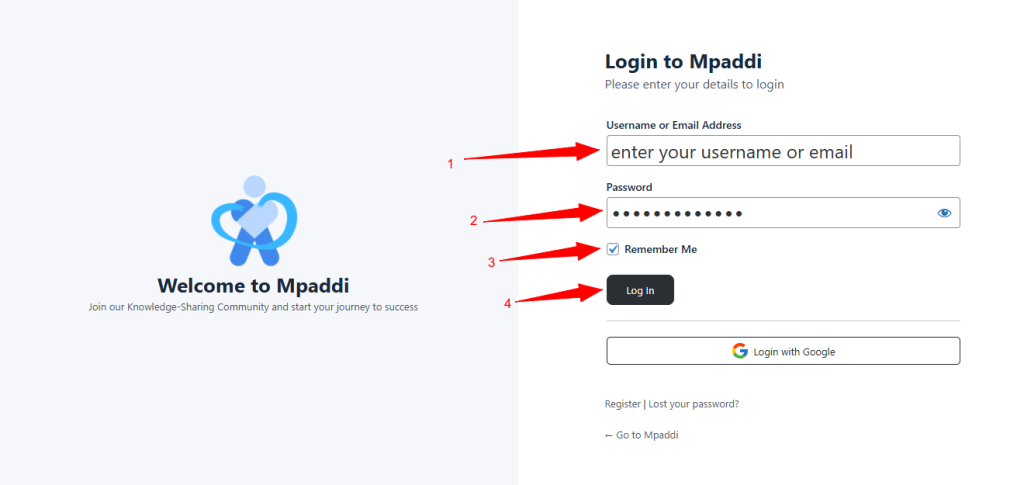
Follow the few simple steps and tips below:
- Enter the email address linked to your account.
- Enter your password.
- Activate “Remember me” to keep the session open when you return.
- Confirm by logging in.
- No account. Select Register.
- Forgot your password? Select Lost password.