

Translator for Fluent community
📄 Description
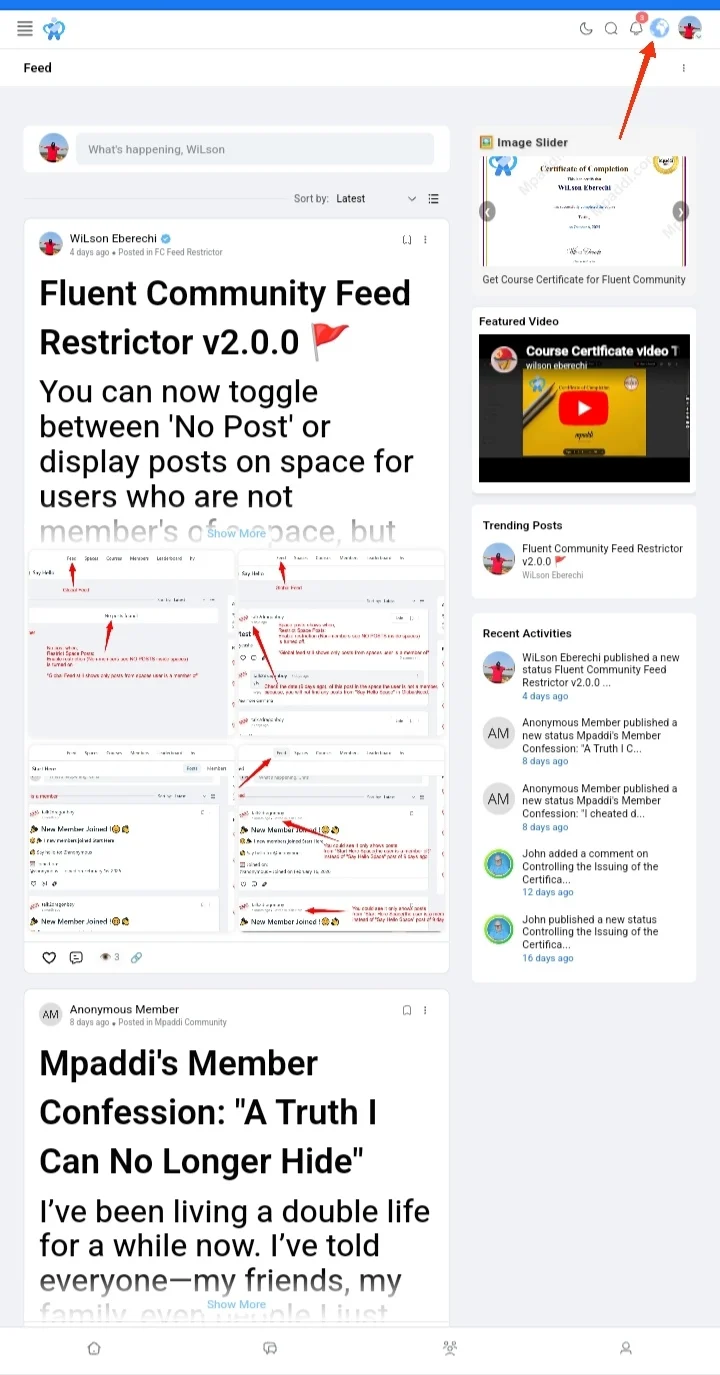
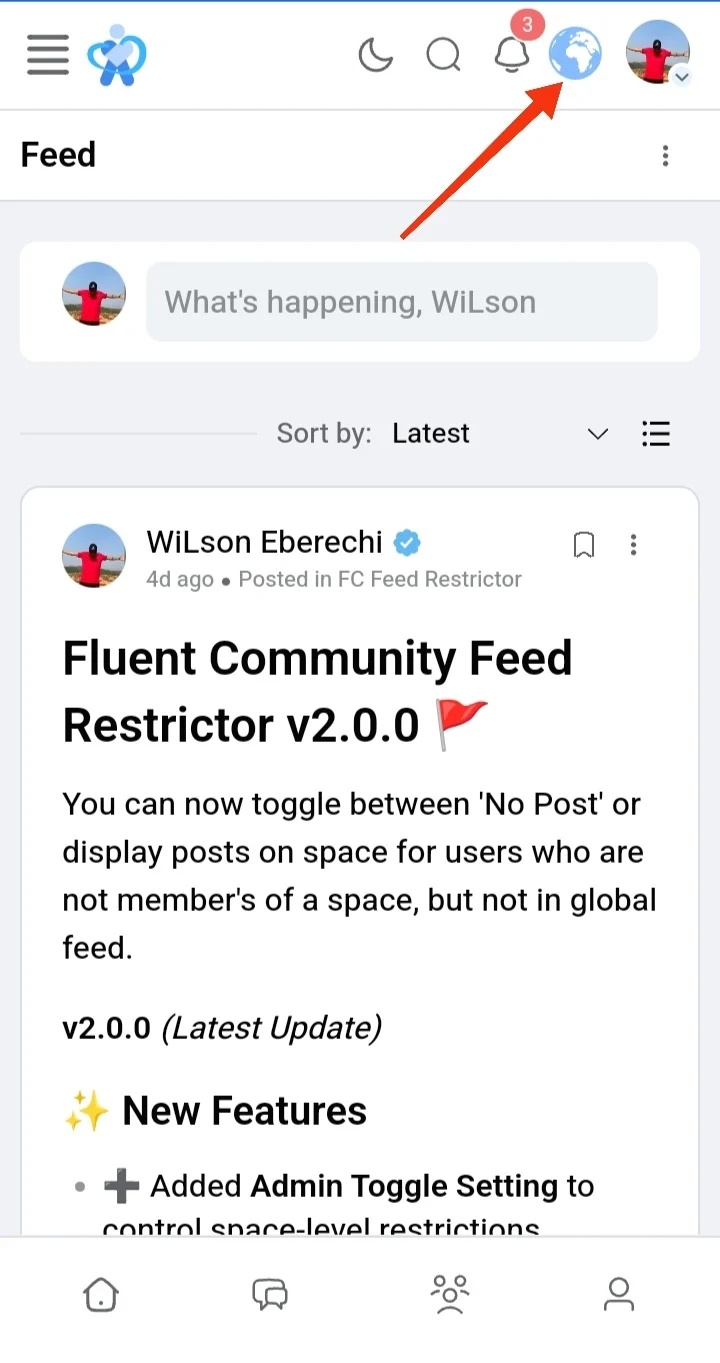
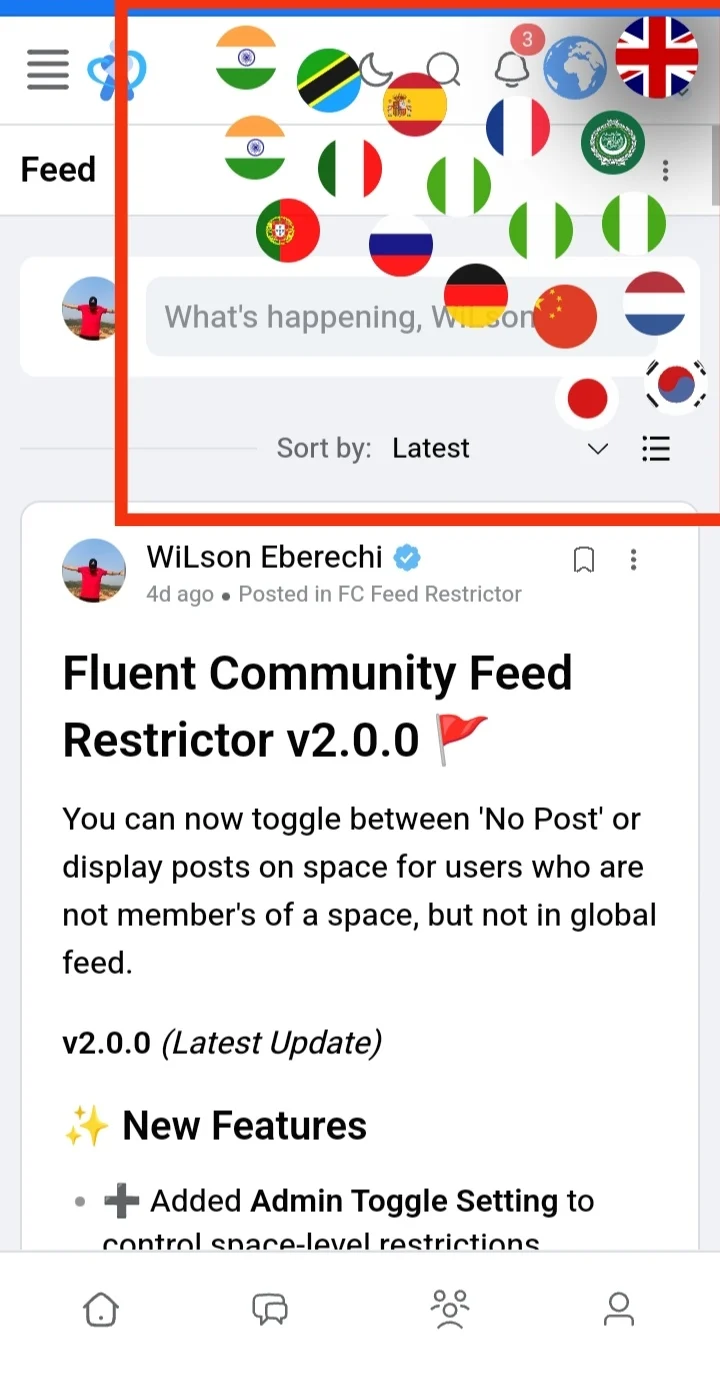
This code snippet integrates a GTranslate globe widget into the Fluent Community plugin. It adds a translation globe icon to the header, allowing users to switch between multiple languages directly on the community site. The widget is styled with customizable options such as globe color, size, and automatic browser language detection.
✅ Benefits
- Multilingual Accessibility: Expands your community’s reach by enabling visitors to view content in their preferred language.
- Improved User Experience: Automatic browser language detection ensures users see content in a familiar language without extra effort.
- Inclusive Community: Supports diverse languages (English, Arabic, French, Spanish, Italian, Igbo, Yoruba, Hausa, Chinese, etc.), making the platform welcoming to global audiences.
- Customizable Design: The globe’s color and size can be tailored to match your site’s branding.
- Seamless Integration: Uses a simple WordPress hook, so it fits naturally into the Fluent Community header without complex setup.
Download the zip, unzip it, you would see a text file, open the file, and copy the snippet(codes), paste the snippet in fluentsnippet(if you're using fluentsnippet).
If you are not using fluentsnippet, you can copy and save it in your function.php or any snippet plugin you use.
.
.
.
Download the file below.
Note: You must be logged in to download the code snippet.

this is great can this also used for Fluent Forms ... actually ALL Fluent Plugins?

Max Mackenzie I have not tested it for fluent forms, but as long as your fluent form is living inside your fluent community, then it'll work perfectly.
A that is the problem it is outside the community:-/